How to build useful memory for an AI stylist from outfit photos
AI wardrobe setup
A good prompt can produce an interesting outfit once. Useful personal style advice needs durable evidence: which clothes are yours, which combinations you wore, what worked in context and what the system got wrong.
Published October 10, 2026 · 7 minute read
Short answer
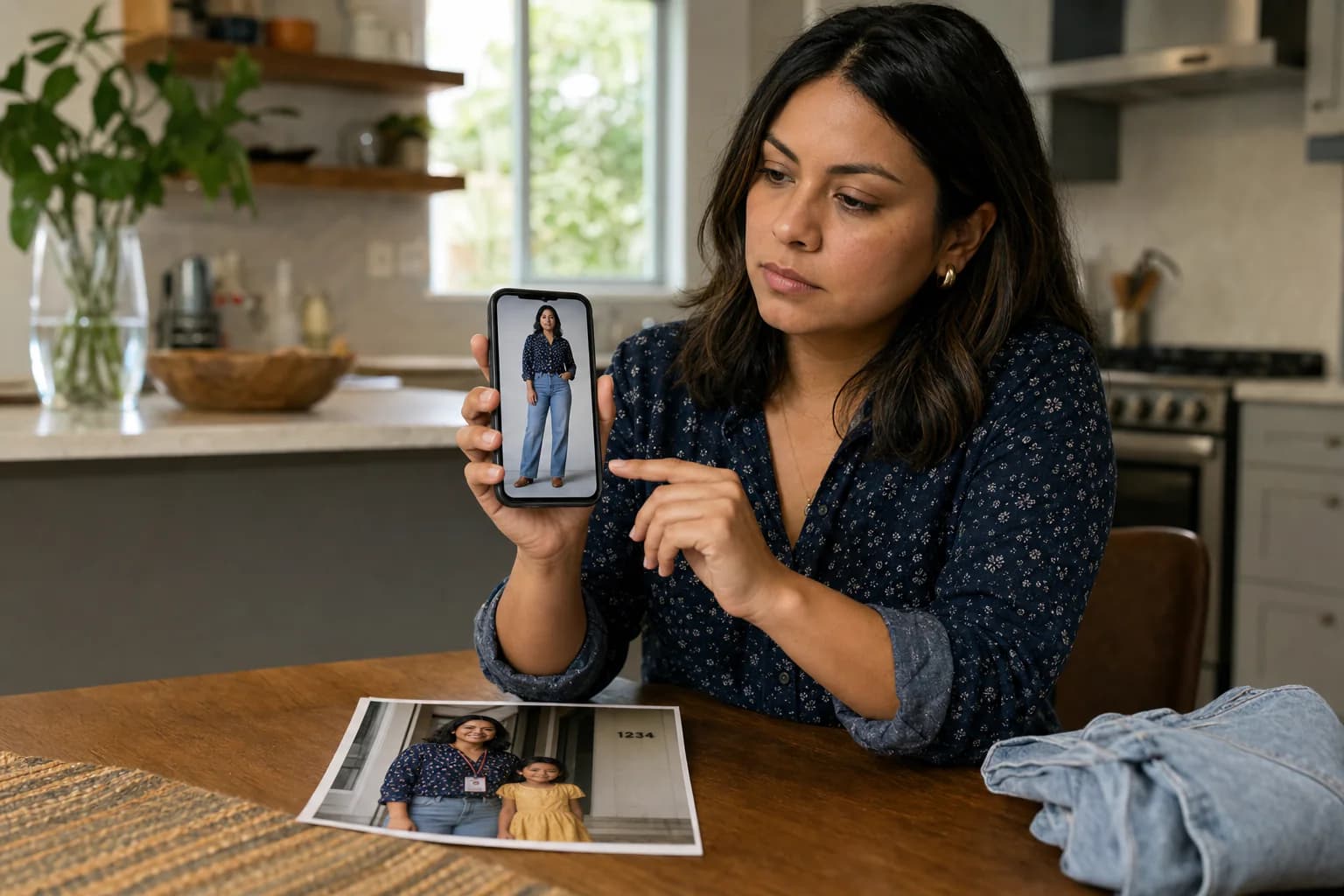
Start with clear photos of complete outfits you actually wore. Keep each look intact, identify the visible garments, correct important mistakes and save context such as occasion, weather and comfort. The result gives an AI stylist a reusable wardrobe memory instead of another disconnected prompt.
The evidence behind useful style advice
An AI can describe color, silhouette and visual compatibility from an image, but it cannot infer every practical fact. It may not know whether a garment is clean, comfortable, available, culturally appropriate or even yours unless the system records those states explicitly.
Preserving the complete worn look adds a second layer of evidence: these pieces coexisted on a real person in a real context. Corrections and later repeats make that evidence more reliable than an isolated generated image.
- Owned garment: recognized and confirmed as part of your wardrobe.
- Worn outfit: a complete look that existed on a real day.
- Generated direction: an idea to inspect, not proof that every piece is owned or available.
Build the first useful memory
You do not need to photograph every item before asking for help. A varied starter set of complete looks can reveal enough clothing and context to make the next answer more personal.
- 1
Choose five varied looks
Include the parts of life you actually dress for: work, errands, social plans, weather changes or travel.
- 2
Keep the complete outfit
Preserve the original photo and date before separating visible garments, so the combination never loses its context.
- 3
Correct high-value errors
Fix repeated garments, duplicates and ownership mistakes before polishing every tag in the catalogue.
- 4
Ask one bounded question
Start from a saved look or owned garment and state the occasion, conditions and degree of change you want.
Reduce capture friction without hiding the camera
A phone works well for occasional uploads. If the archive fails because placing the phone, setting a timer and opening an app is too much every morning, a dedicated outfit camera can remove those steps.
Pomada Camera is a preorder product intended for one deliberate still photo. Its visible cover must be opened by hand and is intended to close after the shot. The aim is not continuous observation; it is consistent wardrobe evidence with a physical privacy state.
Frequently asked questions
Do I need to photograph every garment for an AI stylist?
No. Complete outfit photos can create an initial wardrobe and preserve useful combinations. Individual item photos remain more exact for garments that never appear clearly or require detailed inventory.
Can an AI know whether I own a garment from one photo?
A photo can show a garment, but ownership is a separate fact. A trustworthy wardrobe system should let you confirm ownership and keep inspiration or generated ideas distinct.
Does more data always improve style advice?
Not automatically. Varied, corrected examples tied to real contexts are usually more useful than a large archive full of duplicates, hidden layers and unreviewed labels.
What does Pomada Camera add?
It is intended to make the capture habit faster and more consistent. Pomada still supplies the wardrobe records, corrections, matching and outfit generation.